

⬡ Undetectable AI Interview Assistant
I-CO: Your UnfairAdvantage.
Sees Your Screen. Hears Your Call. Stays Invisible.
I-Co listens in real time, reads your screen, and feeds you the answer instantly — completely undetectable, even to strict screen-share and detection tools. Bring your own free AI keys, or run it fully offline. One payment, no subscription.
It Sees. It Hears. It Answers.
I-Co is a lightweight desktop overlay that sits on top of any call, interview, or exam. It watches your screen and listens to the conversation, then feeds you a direct answer the moment you need one — no switching tabs, no scrambling to search, no dead air.
It's built to disappear the second you don't need it. No trace in a screen share, no trace in a recording, no icon giving you away — just you, looking exactly as prepared as you are.
This isn't a transcript or a cheat sheet. It's a second set of eyes and ears, working for you in real time.
Sees Your Screen
Point it at any window — a coding problem, a slide, a spec sheet — and I-Co reads it the instant you need help.
Hears Your Call
It listens to the conversation in real time and understands the question before you've finished hearing it.
Answers Instantly
A clear, direct response lands on your screen in seconds — not a summary, not a guess, an actual answer.
Stays Invisible
Never appears in screen shares, recordings, terminal, or on the other side of the call. Only you ever see it.
You Decide What's Captured
Most tools give you one undetectability setting. I-Co gives you granular control over screen capture, audio capture, and listening — so you stay invisible even on the strictest, most actively-monitored detection systems.
Custom Screen Capture
Choose exactly what regions or windows I-Co can see. Nothing is captured by default.
Custom Audio Capture
Pick which audio sources feed I-Co, tuned to pass even strict, actively-monitored detection.
Listen Toggle
Turn listening on and off on demand. When it's off, I-Co hears nothing — no ambient capture.
Custom Shortcuts
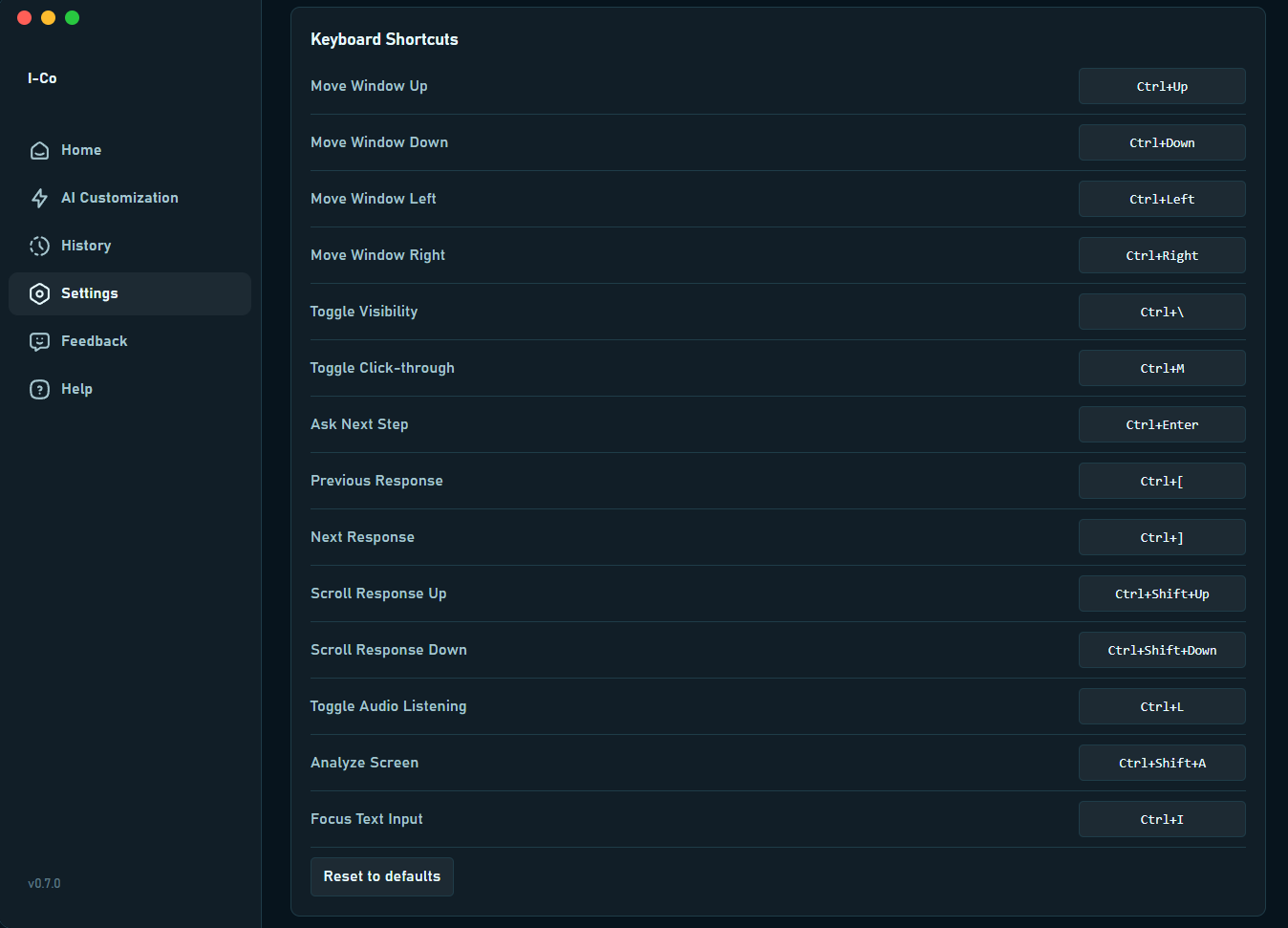
Remap every action to your own keys. Command I-Co without touching the mouse.
Bring Your Own AI
We don't bundle a marked-up AI subscription into a monthly fee. Connect your own free API key, or skip the cloud entirely and run a model on your own machine.
Free Cloud Keys
Connect a free-tier API key from Groq or Gemini in seconds. Your key, your rate limits, your data — never routed through our servers.
Fully Local, Fully Offline
Run a local model through Ollama and I-Co works without a single byte leaving your computer. No cloud, no account, no exposure.
API Vault
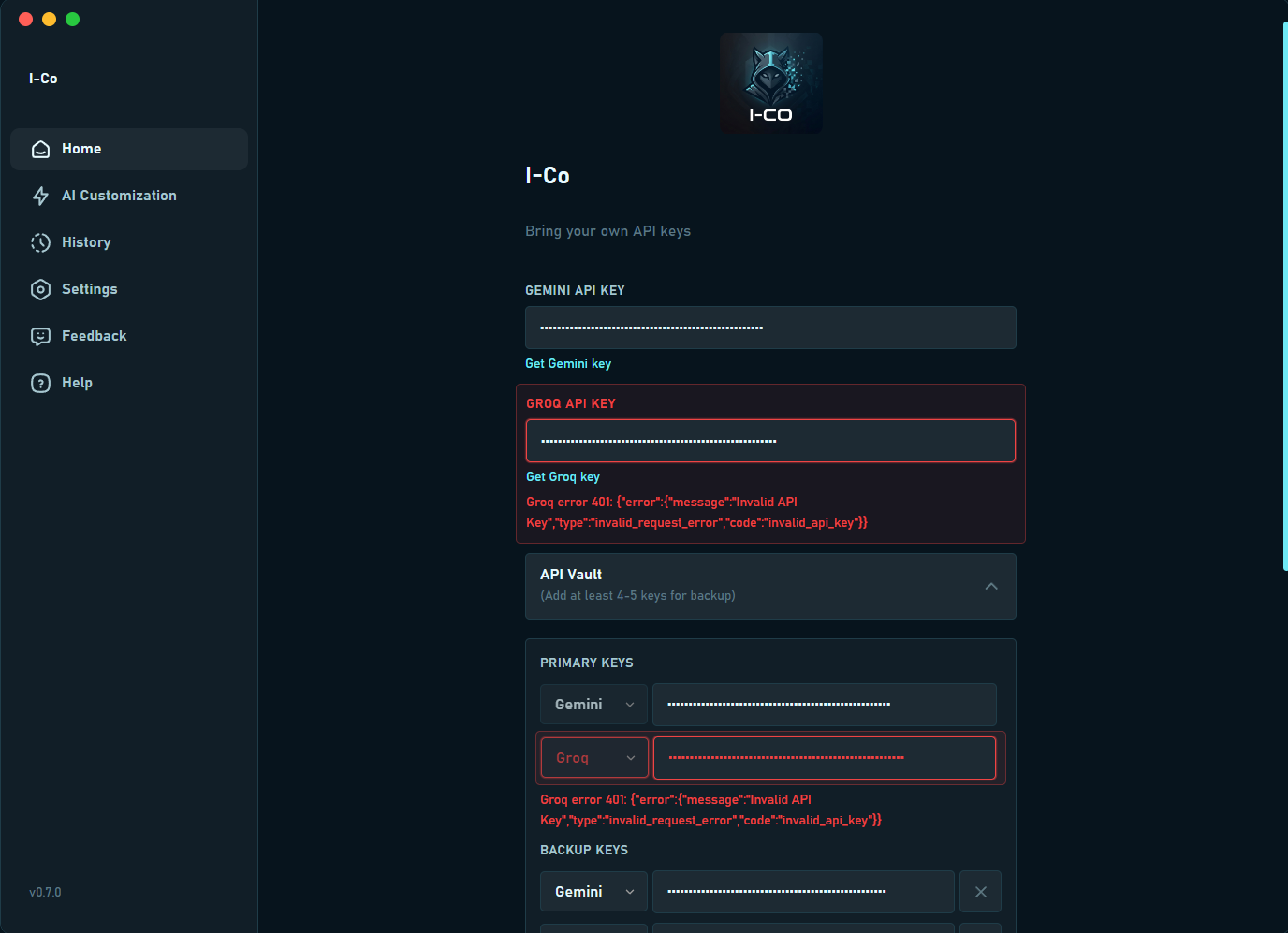
Store multiple free API keys as backup. If one goes unresponsive or errors out mid-session, I-Co detects it, flags it, and switches to the next key automatically — in real time.
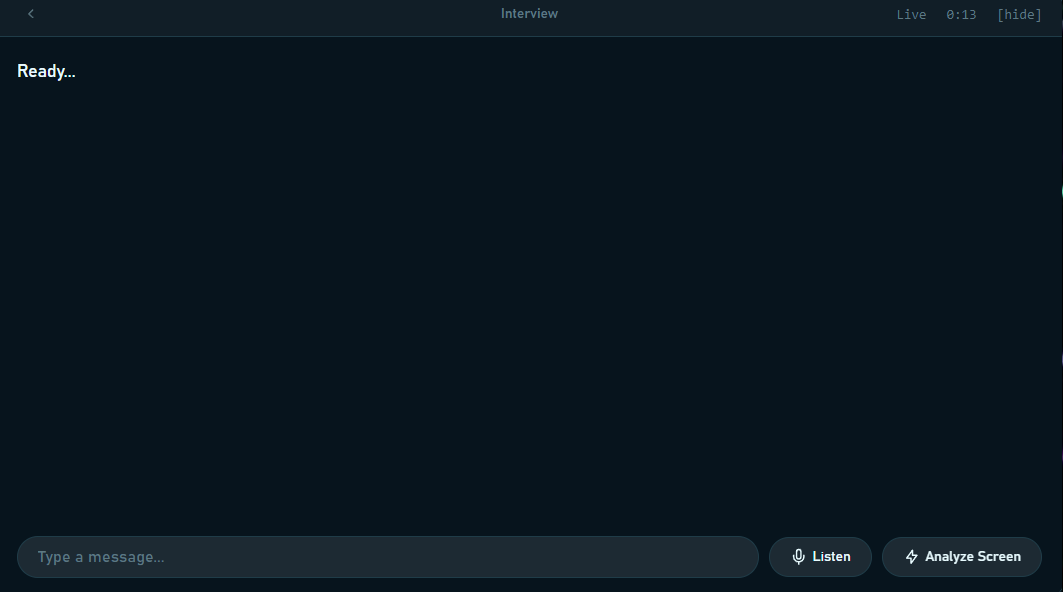
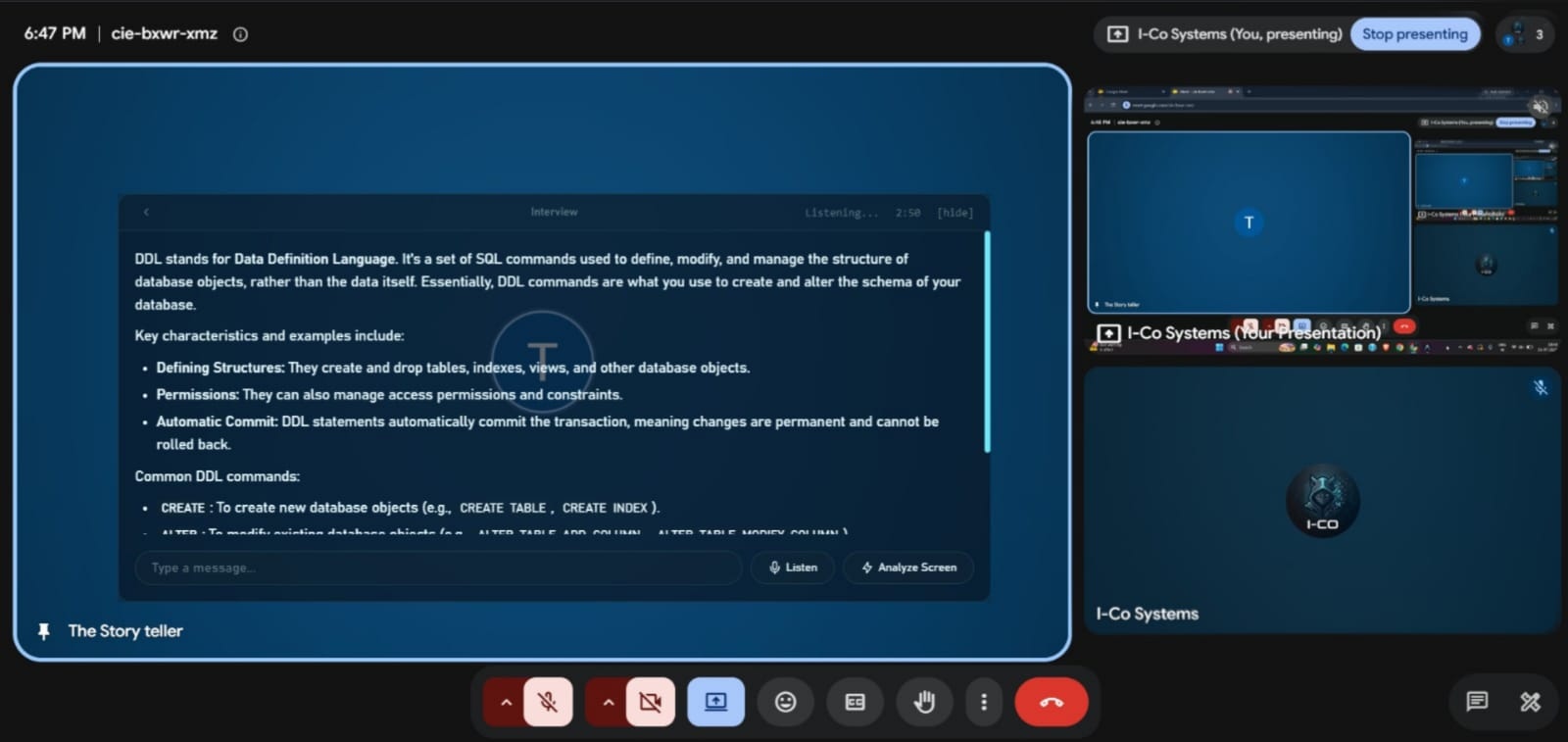
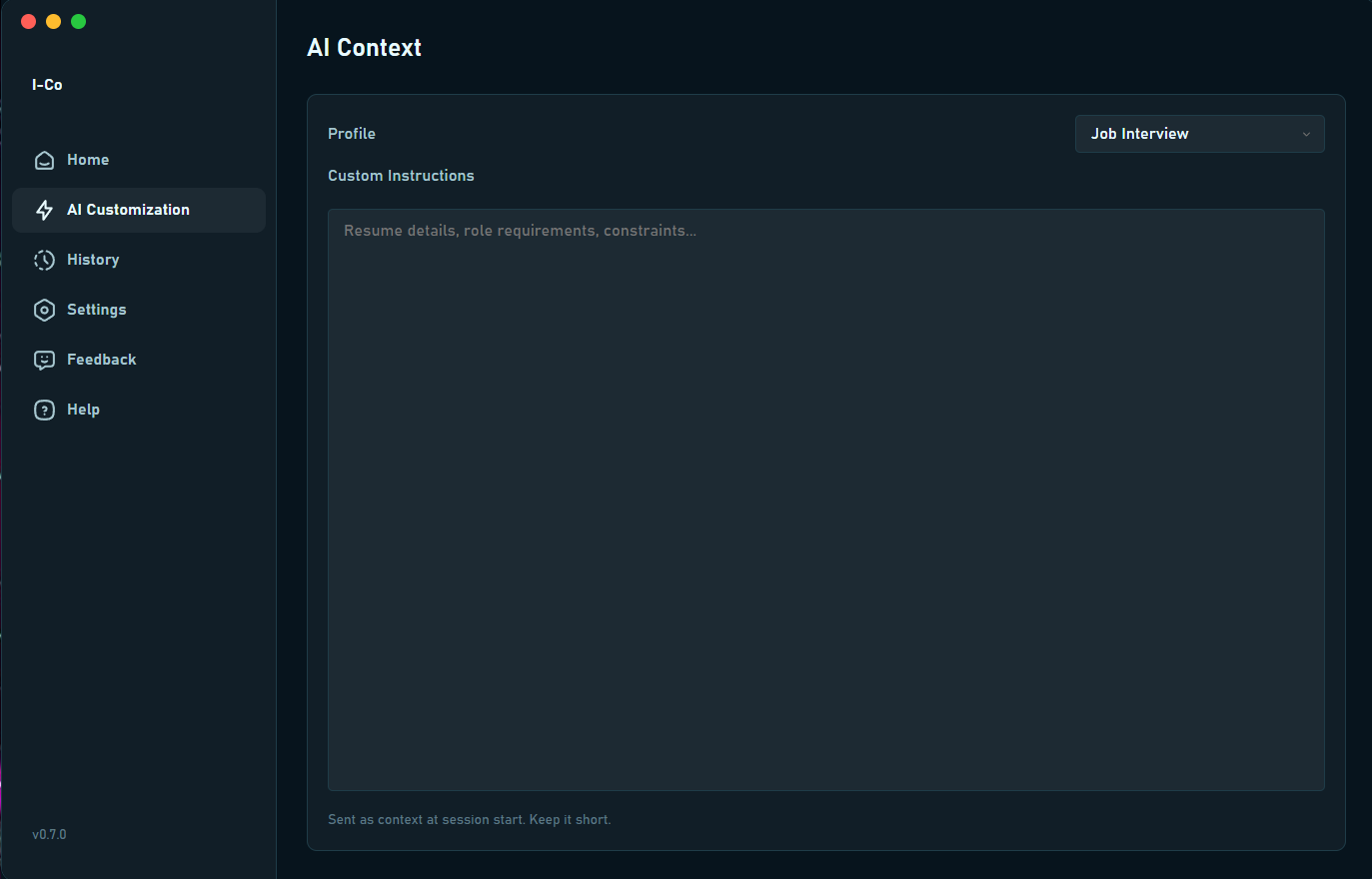
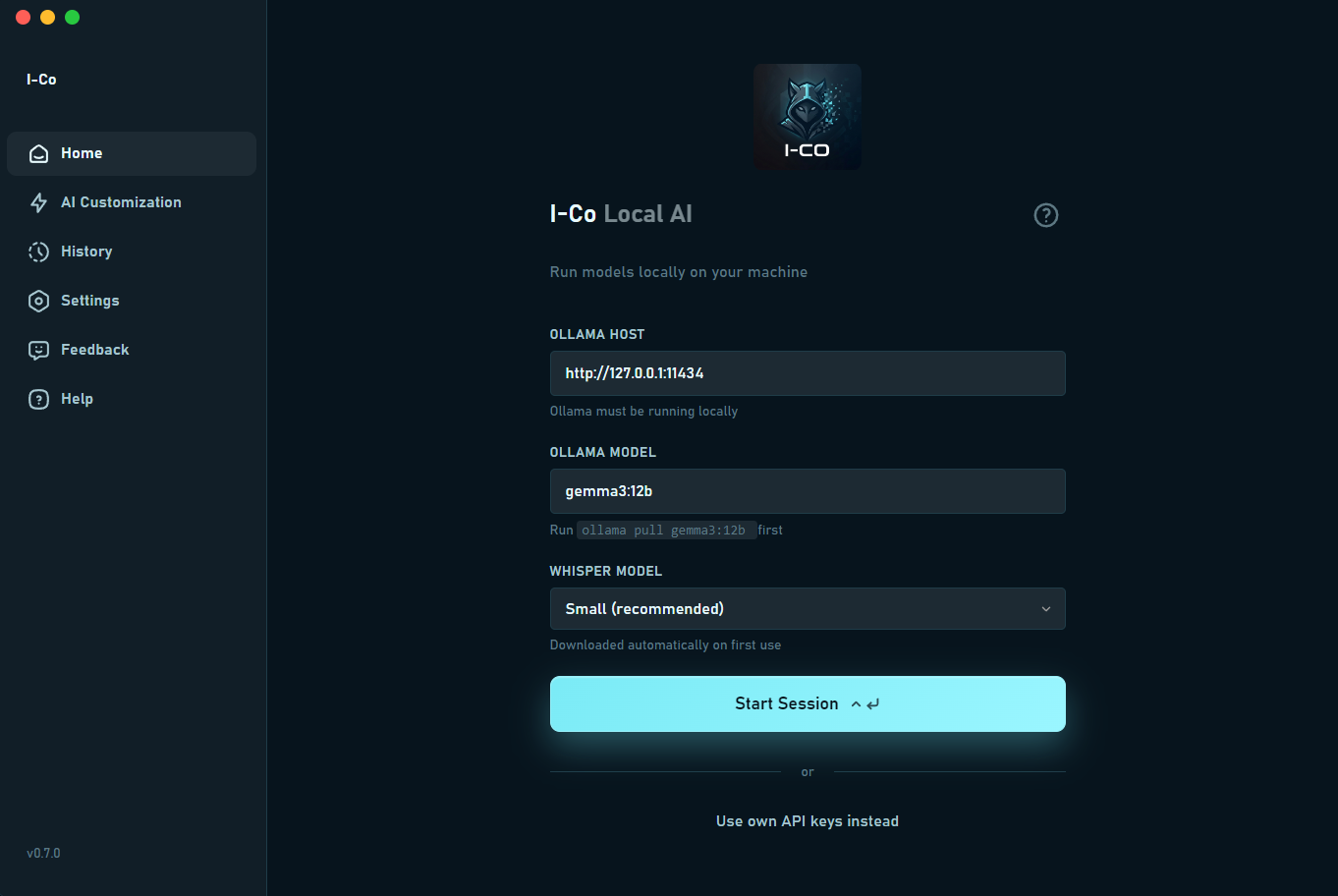
Live Interview Overlay
A discreet floating window that sits on top of any call. Hit Listen to transcribe the conversation in real time, or Analyze Screen to have I-Co read what's on your display and respond instantly.
Invisible When It Counts
I-Co never appears in screen shares, recordings, or the other side of a video call. Present your screen with total confidence — what you see is yours alone.
Tailored AI Context
Choose a profile like Job Interview and feed I-Co your resume details, role requirements, and constraints. Every answer is grounded in your background, not generic advice.
Run Fully Local & Private
Skip the cloud entirely. Connect I-Co to Ollama and a local Whisper model to transcribe and generate answers on your own machine — nothing ever leaves your device.
Bring Your Own API Vault
Plug in Gemini, Groq, or any provider you prefer. Store primary and backup keys side by side so a rate limit or outage never interrupts a session.
Full Session History
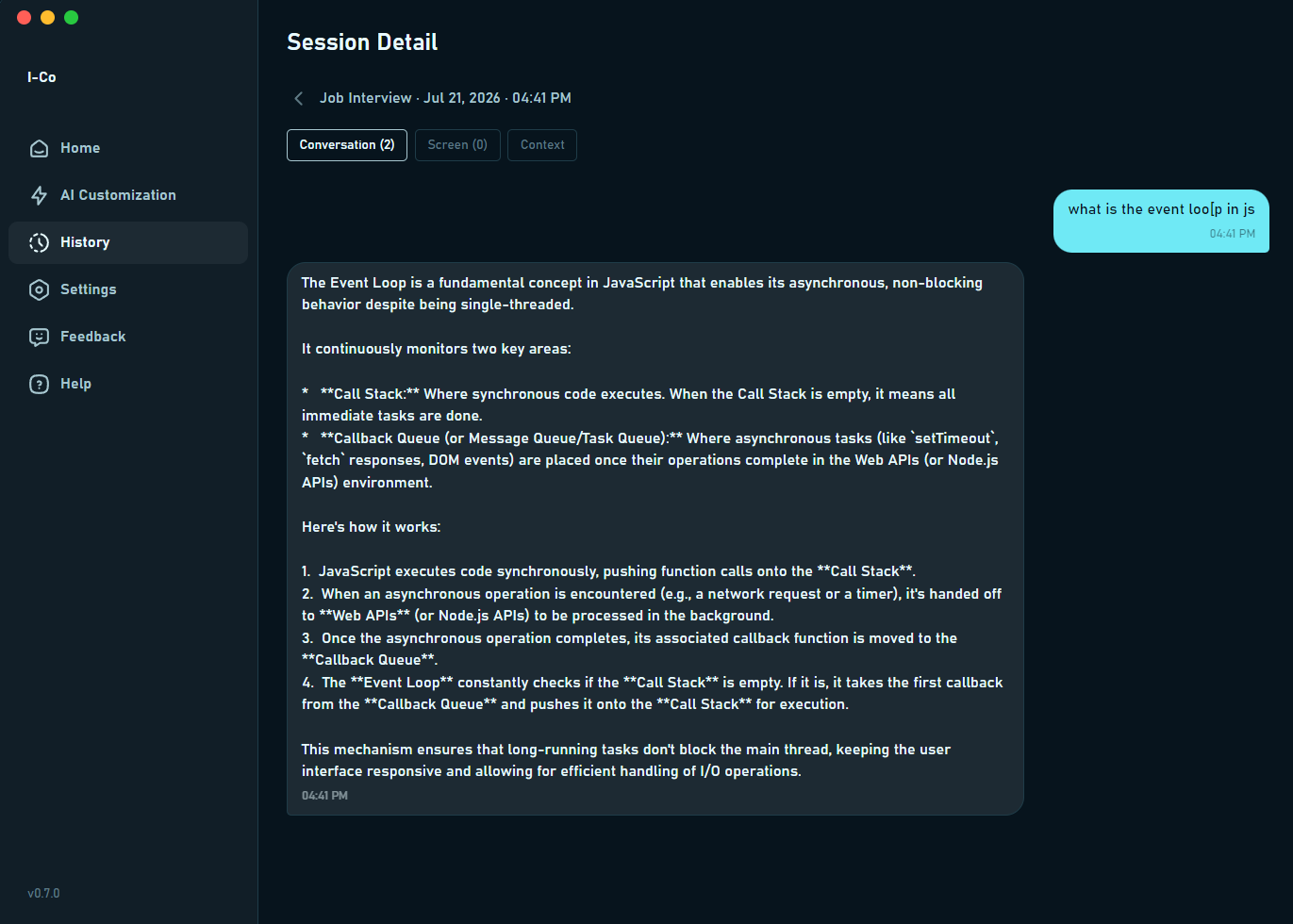
Every conversation is saved automatically — questions, answers, and screen context together — so you can revisit exactly what was said and how I-Co responded.
Granular Capture Controls
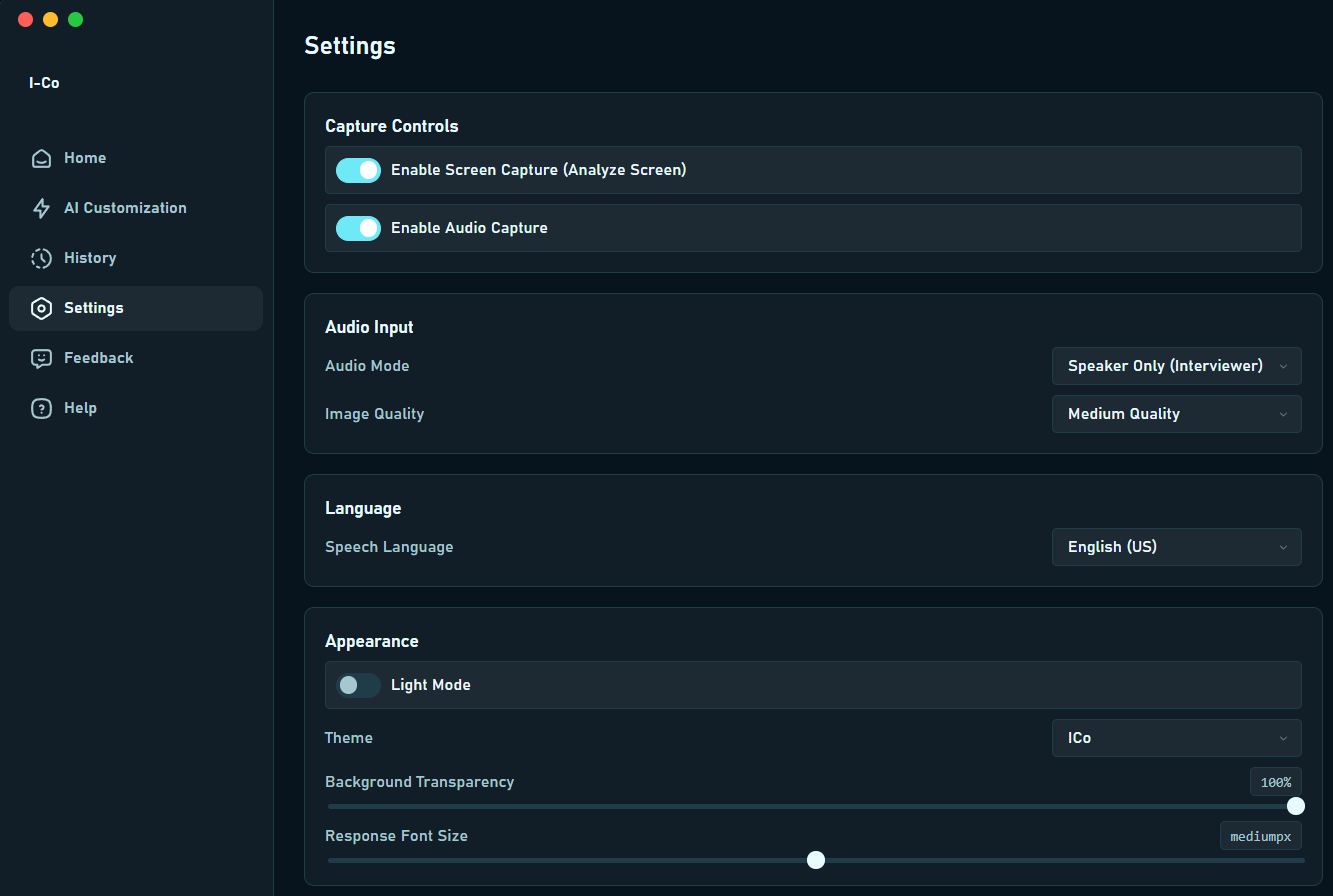
Fine-tune audio mode, image quality, language, and appearance. Toggle screen and audio capture independently to match exactly what each session needs.
Keyboard-First Control
Move the window, toggle visibility or click-through, and step through responses without ever touching your mouse — built for speed under pressure.
One Payment. Yours Forever.
No monthly fee, no annual renewal, no surprise charge. Pay once, use I-Co for as long as you want.
No monthly subscription required · Bring your own AI keys · Run on your Local LLM
- Unlimited sessions, forever
- Full screen & audio capture customization
- API Vault with unlimited stored keys
- Local LLM support via Ollama
- Custom shortcut key mapping
- All future bug fix updates included
Paying from outside India? Use PayPal — $5.99 USD.
Frequently Asked Questions
Download I-Co
Mac
Download the latest version for macOS.
Note: The app is not currently available for Linux users.